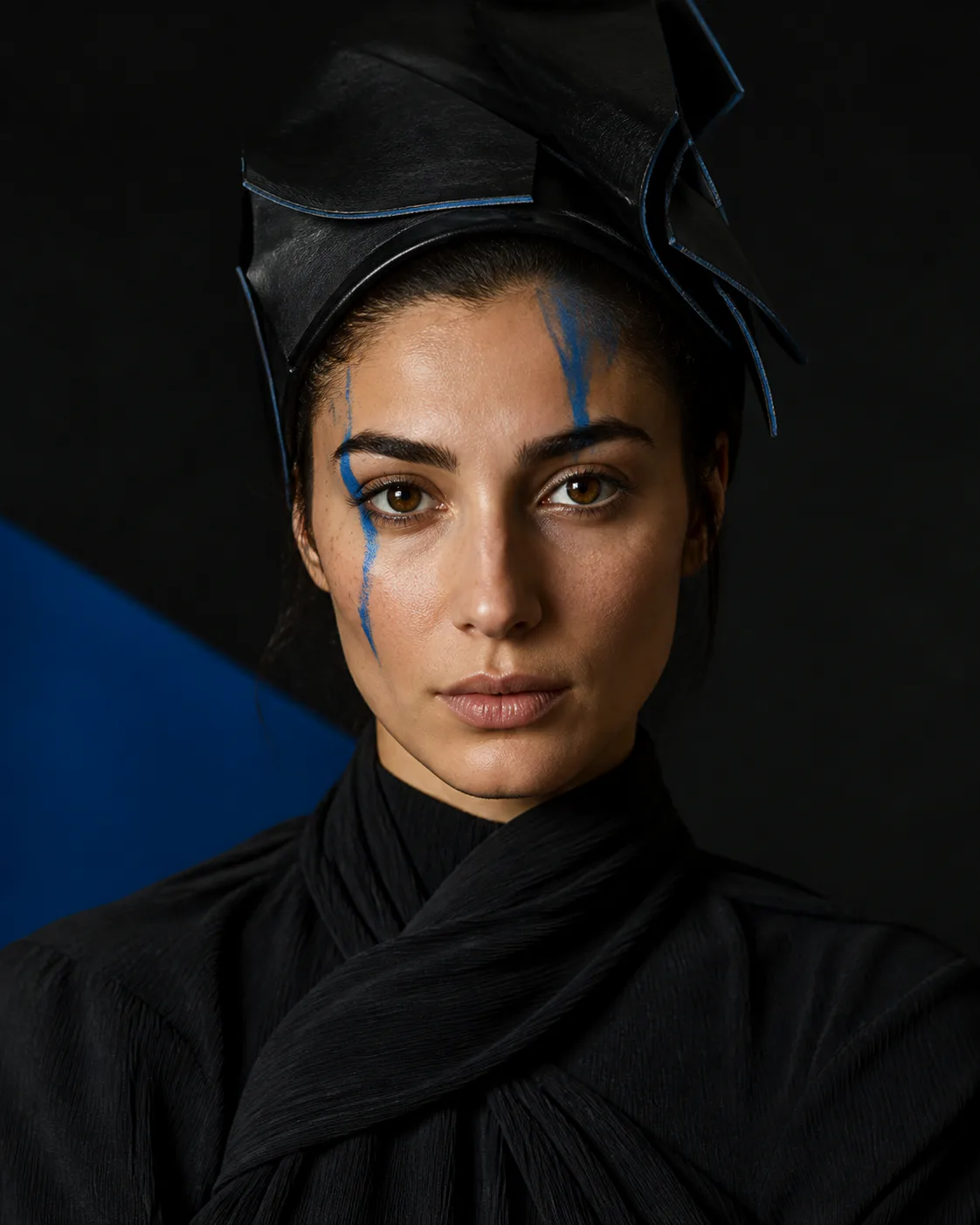
CHARACTERS
Step into character.
Anime, vampire or a character of your own. Pick a style or describe what you have in mind.
THE LIVE AI CAMERA
Change your look live on camera.
Pick a style or describe your own.

Swipe sideways to compare. Swipe up or down to scroll the page. Use arrow keys to adjust; Home and End reveal a full image.
WHAT IF …
A different haircut. A different world. See where your camera could take you.
Anime, vampire or a character of your own. Pick a style or describe what you have in mind.
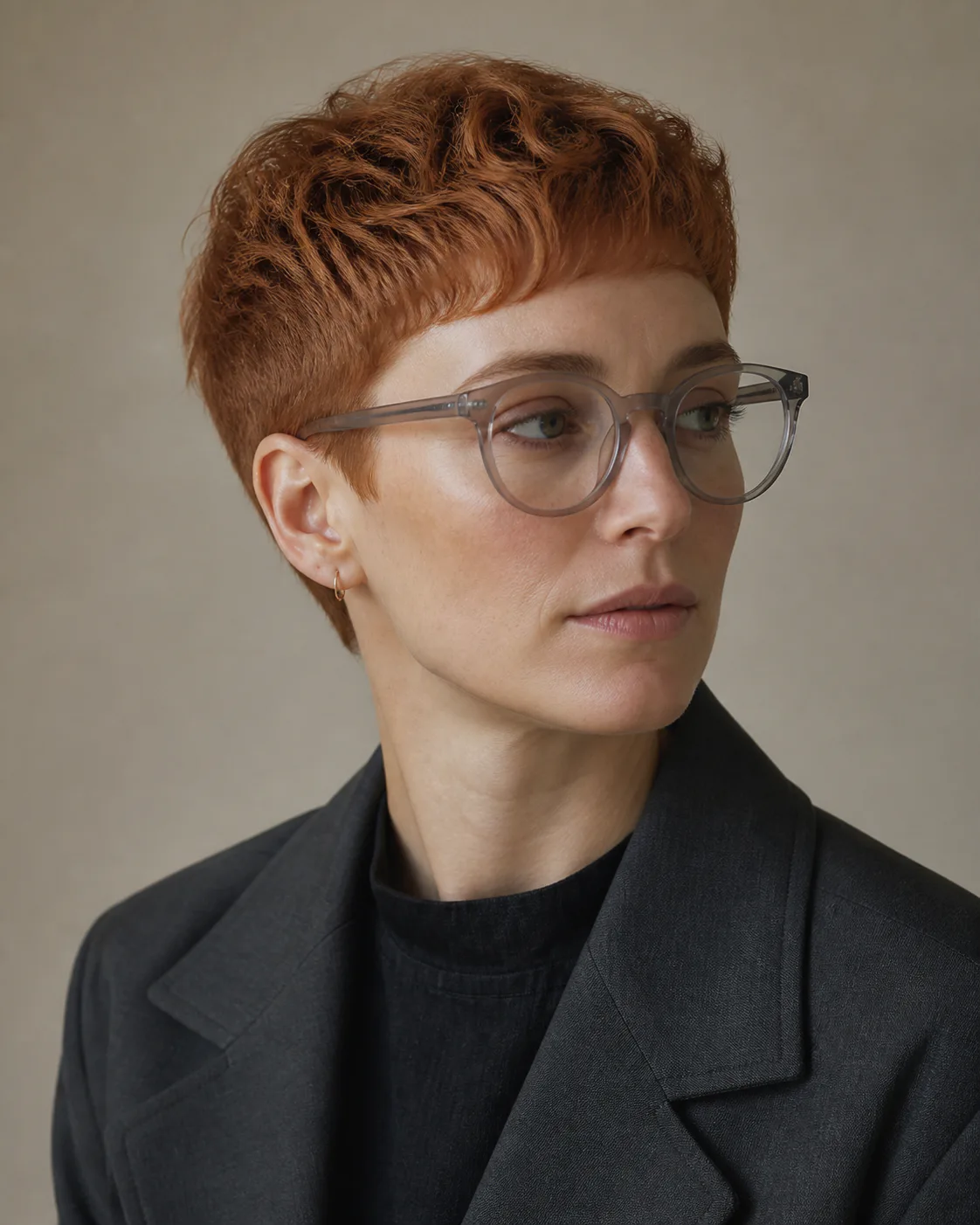
Short hair, a bold colour, a different style. Try the look you’ve been wondering about.
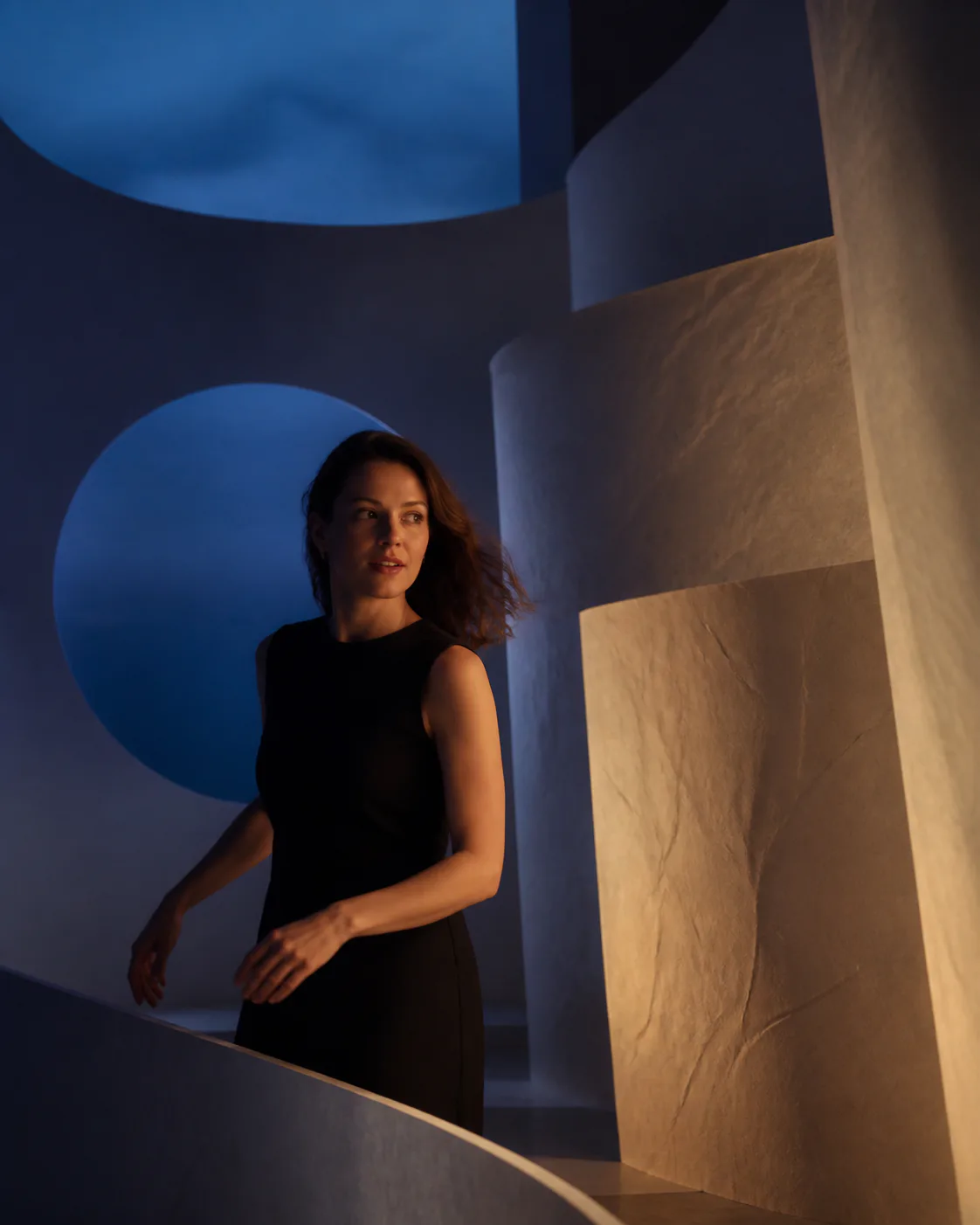
Neon streets from your living room. A film set from your sofa. Give your camera view a different atmosphere.
Staged style examples. Results in the app may vary.
FROM IDEA TO CLIP
Open Morfable and pick a style. Or describe exactly what you have in mind.
AI transforms your camera view live. Try a different angle, move around or switch to another style.
Record a clip and share it to your story, your feed or straight to your friends.
GIVE IT A GO
You get five minutes to try Morfable.
Then decide if you’d like more.

Further use is available through in-app purchases. You’ll see the price and what’s included in the app before you buy.
Morfable is an AI camera app that changes your look or your scene while you use the camera. Choose a ready-made style or describe your own idea. You can record the result as a clip and share it from your phone.
Yes. AI processes your camera view as you use it and shows the transformation in the preview. Quality and delay depend on the style, your device and your internet connection. The images and video on this page are staged style examples, not unedited screen recordings.
The Android app is free to install. You get five minutes of live transformation to try it out. Further use and additional features are available through in-app purchases. You’ll see current prices, durations and what’s included in the app or on Google Play before you buy.
The download links on this website currently take you to the Android app on Google Play. We don’t offer a public iPhone download here yet.
You can start using Morfable without signing up. You’ll need a compatible Android phone, camera access and an internet connection for AI processing. Even lighting and steady movements help when trying it out.
Live transformations require camera images to be processed by AI services in the cloud. Morfable doesn’t publish your content automatically. Our privacy policy explains how data is processed, which services are involved and what rights you have.
Read the privacy policyMORFABLE FOR ANDROID
5 minutes free · No sign-up · In-app purchases